Calendar
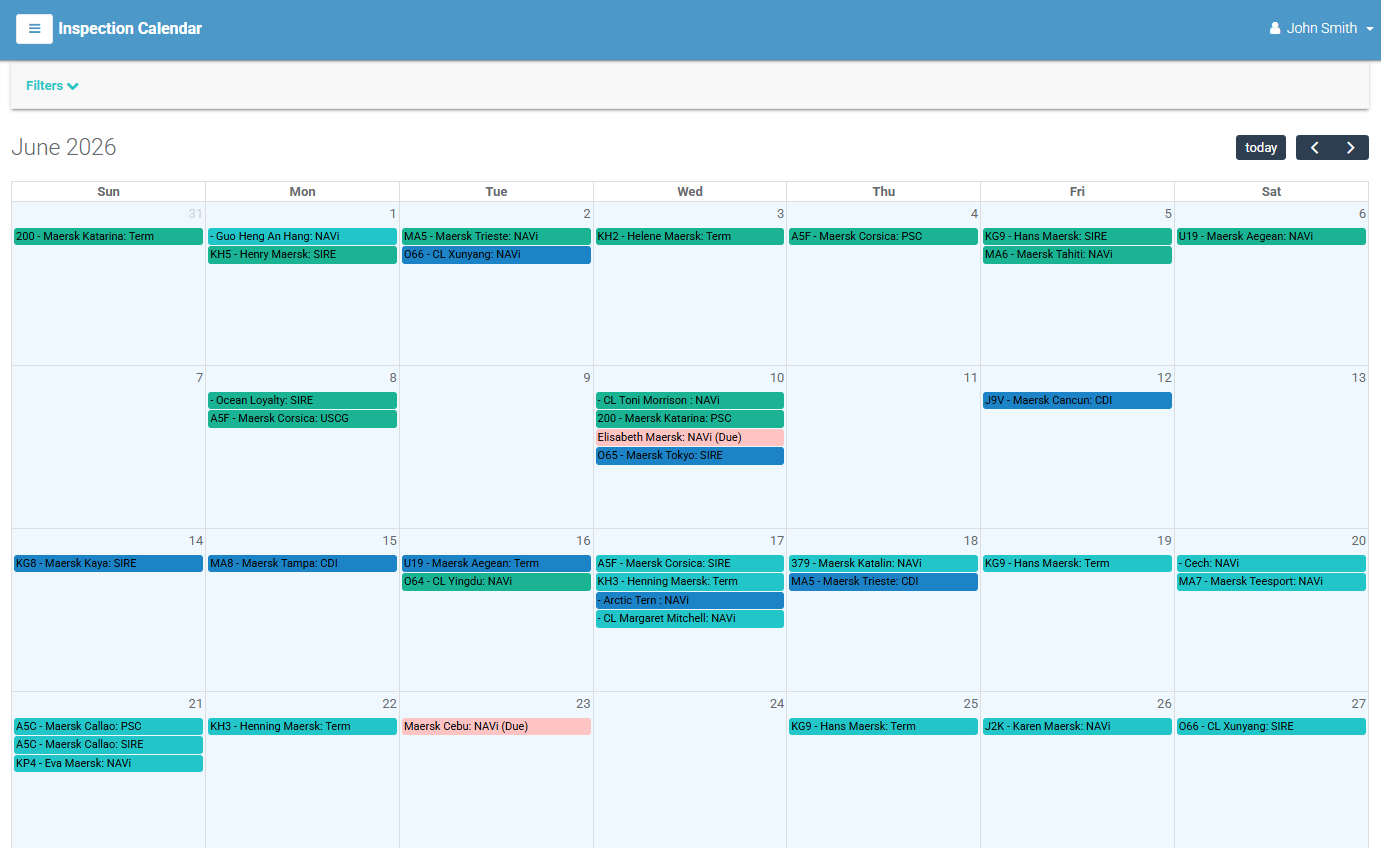
The Calendar (sidebar → Inspection Management → Calendar) shows your inspections on a month calendar instead of a list. It is the same data as the Inspections page, presented by date — handy for seeing how inspections cluster across a month.
Using the calendar
- The calendar opens in month view. Use the calendar's own navigation to move between months.
- Each event on the calendar is an inspection. Select an event to open that inspection's detail page.
Filtering what appears
Select Filters to narrow which inspections are shown. As you change filters the calendar refreshes, and [ Clear All ] resets them. You can filter by:
- Vessels
- Vessel Type
- Fleet Group
- Model Types
- Companies
- Only Due Dates — a toggle to focus on inspections with due dates.